Enable Build Your Own Passes
Build Your Own Pass lets customers choose their event times across the collection without choosing a named Series. A pass option's credit count sets the number of distinct event times they must choose. Repeated visits to the same event are allowed within the collection's maximum event times per event, if one is set.
You need permission to manage collections. Prepare the collection's eligible event times and priced pass options before enabling Build Your Own Pass.
- Open Collections and choose the collection.
- Open Overview, select Build Your Own Pass, and select Save.
- Check each enabled pass option. Every configured category and price tier must be offered by enough eligible event times to fill the pass, within any maximum event times per event.
- Publish the collection when its offering is ready, then open its public page and select Configure Passes to check the customer choices.
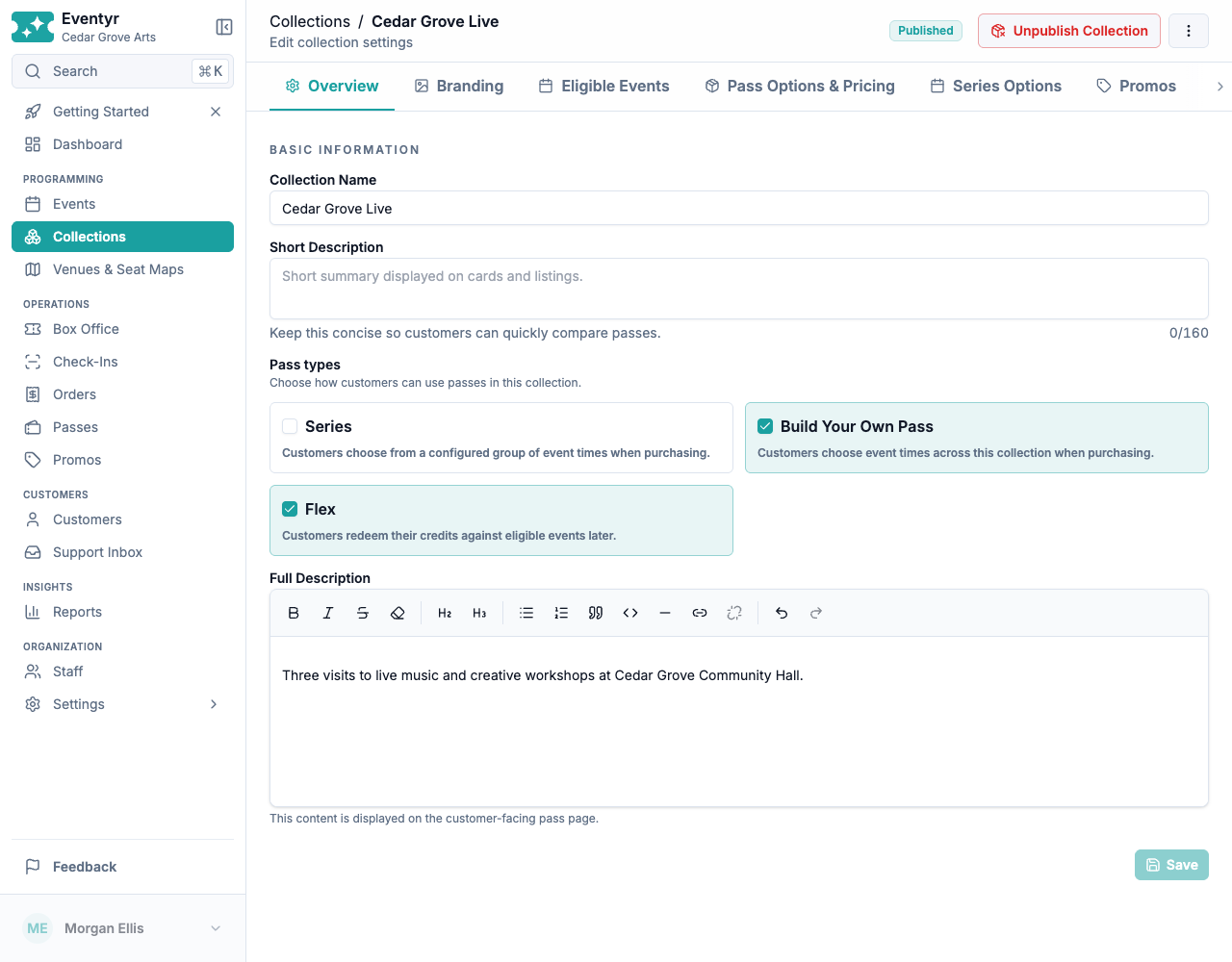
Set sales dates, credit expiry, and the maximum under Policies & Settings.
Build Your Own Pass starts disabled for existing collections. You can offer it alongside Series and Flex. If a pass type becomes unavailable, other valid offerings can remain available. Prices and eligible rights on passes already sold are preserved.
Customers choose their event times first. Eventyr automatically offers a shared seating selection when possible, or guides them through each event time. Different seating maps and a mixture of reserved and general admission are supported. You do not select a seating mode. Each purchased pass keeps one category, price tier, and package price across its admissions.
See Buy a Build Your Own Pass for the attendee workflow and Sell passes for staff sales.